SIMPLIFY YOUR
IN-STORE ADVERTISING
DRIVE PRODUCT AWARENESS & SALES
Total control
Instant changes
Use your own devices
Supplier banner artwork
Canva integration
Fill out BELOW TO WATCH A DEMO
What is Screen Cast?
Screen Cast is a brand new software that enables you to broadcast marketing campaigns to screens all around your pharmacy quickly and effortlessly.
Take a look at this brief introduction video.
Fill out the form above to see a demo of how it works.
IN-STORE ADVERTISING MADE SIMPLE
HOW IT WORKS

Sign up
Join ScreenCast with a quick and easy signup process

Seamless Onboarding
We’ll set up your store credentials and provide all the information you need to get started

Screen setup
Using our portal, you can tag and name your screens based on their exact locations in your store

Create your campaign
Unleash your creativity! Design campaigns that cater to your specific customers and services, ensuring every ad is relevant and impactful

Push your campaign to screens
Once your designs are ready, deploy your campaigns instantly or schedule them in advance—it’s that simple

It's really that easy!
In just 5 simple steps you can take your in-store advertising to the next level.
Simplify Your Advertising.
Empower Your Pharmacy.
With Screen Cast, you’re in control of your store’s messaging like never before. Whether it’s promoting a sale, seasonal products, featured services, or supplier-driven campaigns, you can do it all with unmatched simplicity and efficiency. Take the hassle out of managing your in-store advertising—sign up for Screen Cast today and see the difference it can make for your pharmacy.
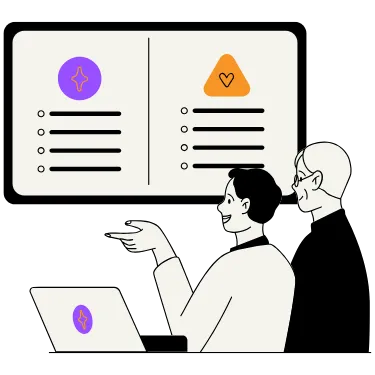
ALL YOU NEED
Using Screen Cast is easy! Here's what you need to start:
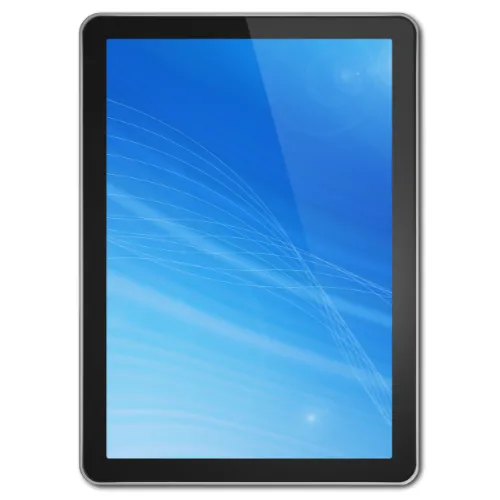
SCREEN
A screen to display your campaigns
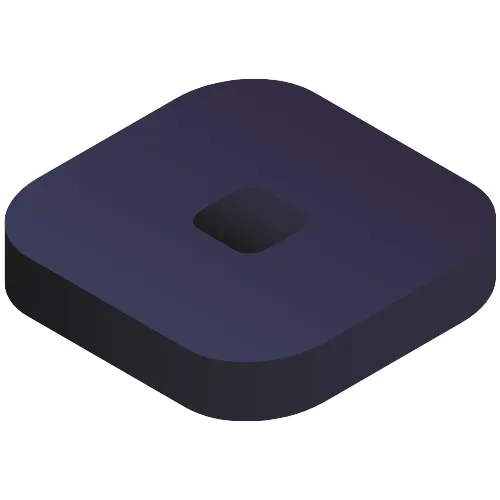
COMPUTER
A dedicated computer device connected to the screen
GOOGLE CHROME
Google Chrome browser installed on the device
THAT'S IT
SEE OUR MEMBERSHIP PLANS
With ScreenCast, you gain an intuitive, scalable solution that makes advertising seamless. No special skills, extra hires, or technical hassles are required. Instead, you get faster execution, higher brand impact, and improved customer engagement all in one package.

Free
1 Campaign
2 Screen
15 Ads Per Campaign
Supplier Folder Access
Canva Integration

MOST POPULAR
$85
MONTHLY
10 Campaigns
Unlimited Screen
Unlimited Ads Per Campaign
Supplier Folder Access
Canva Integration
2 Support Cases Per Month

$299
MONTHLY
Unlimited Campaigns
Unlimited Screen
Unlimited Ads Per Campaign
Supplier Folder Access
Canva Integration
Unlimited Support Cases Per Month
Training
Remote Installation
STILL NOT SURE?
Frequently Asked Questions
Here are answers to questions you may have
What is Screen Cast?
Screen Cast is a software solution designed to simplify instore advertising. It allows pharmacies to create, manage, and update content displayed on their screens, offering complete control over campaigns without the need for external vendors or outdated methods.
How do I get started with Screen Cast?
Getting started is easy! Simply sign up for Screen Cast, and our team will handle the onboarding process by setting up your store credentials. Then, you can configure your screens in the portal, start designing your personalised campaigns, and push them to your screens.
What equipment do I need to use Screen Cast?
To use Screen Cast, all you need is a screen to display your campaigns, a dedicated computer device connected to the screen, and Google Chrome installed on the device.
Can I use my existing screens and devices?
Yes! Screen Cast is designed to work with the equipment you already have, saving you time and money on additional hardware purchases. If you need help let our team know and we can ensure that your hardware is compatible.
What if I need hardware?
If you don’t have the necessary equipment, we can supply screens and small computer devices, pre-configured and ready to use with Screen Cast. Our team will guide you through the setup process to ensure everything runs smoothly. Please note that if your screens need to be mounted or powered, you might require the assistance of an electrician or shopfitter, depending on the specific requirements and placement.
Does Screen Cast integrate with Canva?
Absolutely! You can create stunning designs in Canva and seamlessly push them to your screens with Screen Cast, ensuring a professional and impactful display.
How do I manage my campaigns?
You can log in to the Screen Cast portal from anywhere to create, customize, and schedule your campaigns. Changes can be made instantly, and you can even preview your campaigns before they go live to ensure they meet your expectations.
Can I access supplier and banner artwork on Screen Cast?
Yes, Screen Cast provides access to artwork from suppliers and banners, which you can easily use in your campaigns to promote products and services effectively. Banners and Suppliers do need to be partnered with Screen Cast in order for them to have their own media libraries within the platform.
Is it possible to schedule campaigns in advance?
Yes, with Screen Cast, you can schedule campaigns to display at specific times, making it effortless to plan and manage your in-store advertising.
What happens if I need help or support?
Our team is here to assist you every step of the way. If you have any questions or encounter issues, you can reach out to our support team at any time for prompt and effective assistance.
How does Screen Cast benefit my pharmacy?
Screen Cast saves you time, reduces reliance on external media companies, and allows you to create tailored, dynamic campaigns. With complete control over your messaging, Canva integration, and access to supplier artwork, it helps enhance your instore advertising.